Even though Retail's Big Show is over, you can still use the mobile app to download available session presentations, read keynote summaries and more on your mobile device.
View this Quick Guide to navigating the app. (PDF download)
Discover how the app transforms your Big Show experience. (video)
If you are a registered attendee for NRF 2026: Retail's Big Show, you can still download the app and access event materials on the app.
Access the desktop version and download the mobile version in your device's app store by searching "NRF Events" or scan the QR code.
Log in with your credentials
Email address you registered with (case sensitive)
First time users: Enter your badge ID/registration ID (found in your registration confirmation)
Previous NRF Events app users: Enter your established password (click the "Forget Password" link if you need it to be reset)
Complete your profile setup
Click on “Notifications” in the bottom navigation bar to enable messages
Contact mobile app support at mobileapp@nrf.com.
)
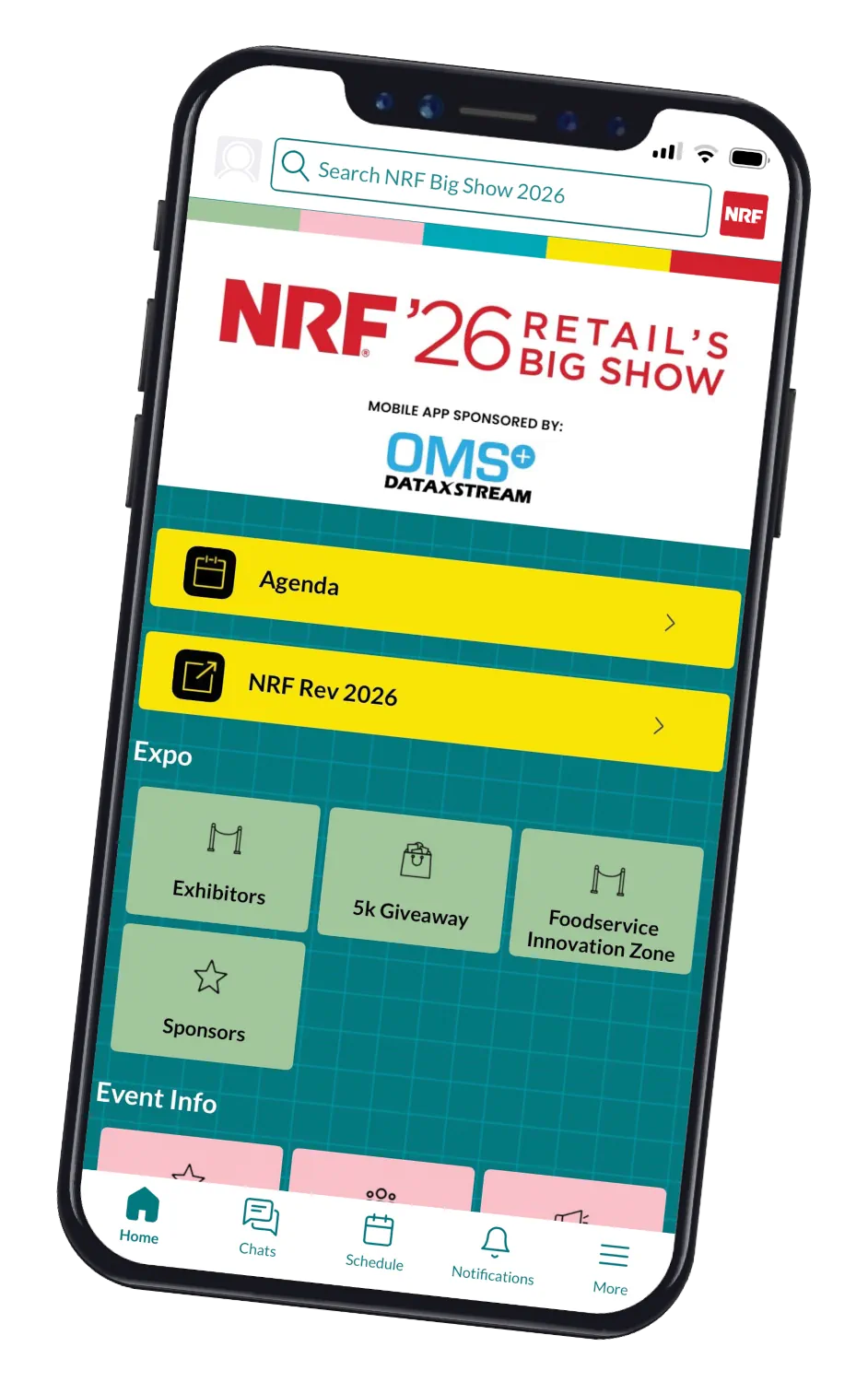
View the agenda and exhibitor list
Dive into exhibitor product descriptions
Create a custom schedule
View speaker and session information


Retail’s Big Show will return to New York City January 10-12, 2027. Mark your calendars and join us for three days of ideas, innovation and industry-defining conversations.
